Guide · materials for the project
How to prepare a logo?
A good file makes it easier to evaluate the sign and prepare visualizations. You don't need a 3D model. Start with the best available version of the logo, then add which colors, proportions and elements you want to keep.
Prepared by Diree ·
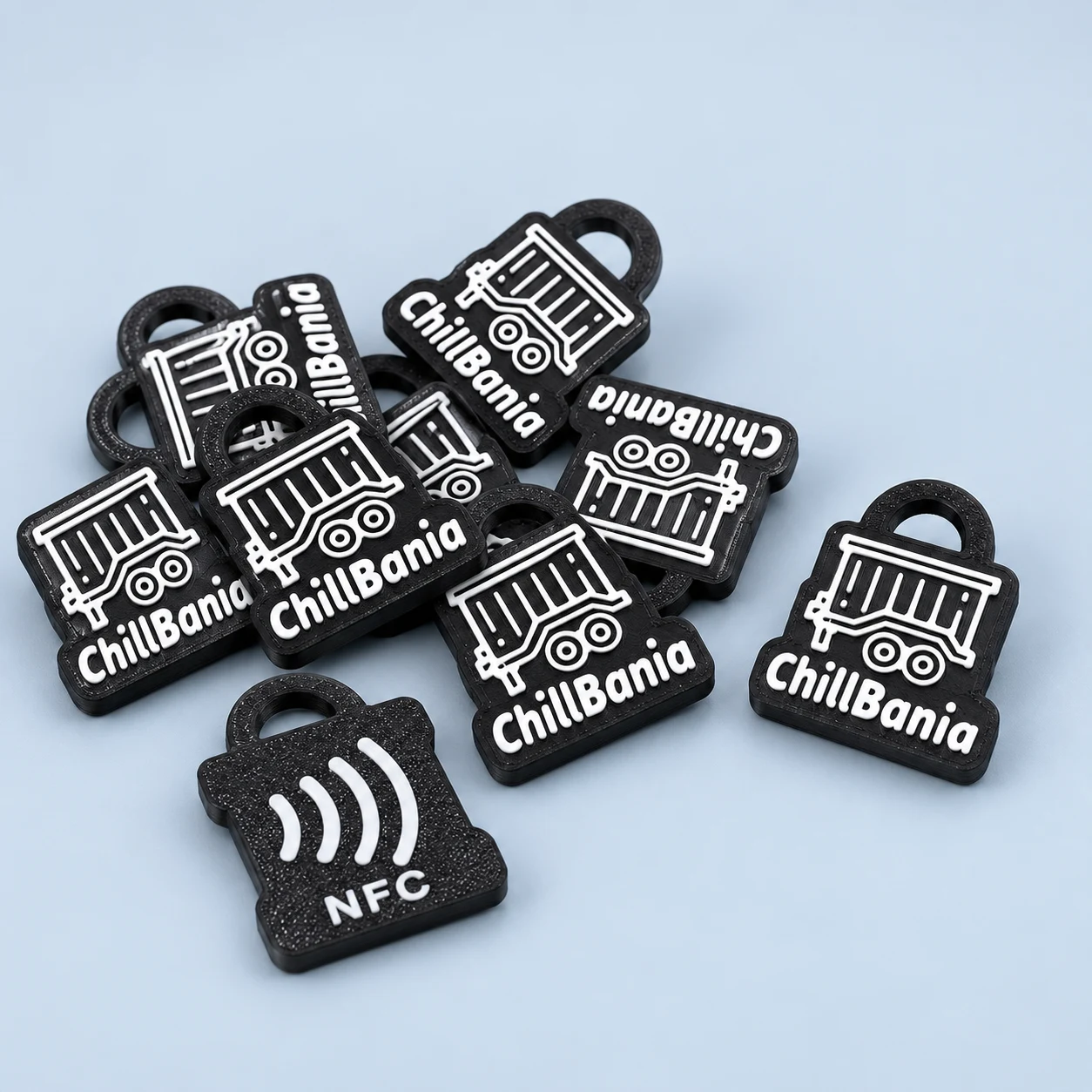
Select the source file if you have it
The Diree form accepts PNG, JPG, WEBP, SVG and PDF up to 8 MB. If you have a vector logo in SVG or PDF, please upload it instead of a screenshot. Simply saving a small photo as a PDF will not turn it into a vector graphic.
For an image, select the original file, as clear as possible. Do not artificially enlarge a small logo or sharpen it repeatedly. If you only have a weaker version, please indicate this in the description - we will evaluate the material first.
Check out the sign in a small size
The logo on the monitor may look different than on the keychain. Small letters, thin lines and extensive slogans require special attention. Indicate the most important element: the symbol itself, the name or a specific inscription.
Don't remove important parts of a sign yourself just because they seem too small. In the visualization we will discuss possible simplifications. A convex 3D sign and UV printing have different possibilities, so we choose the technique depending on the material and the expected effect.
Describe the colors, background and version of the logo
If you have a brand book or specific brand colors, mention it in your query. Specify whether the white background in the file is part of the project or just the preview background. Choose one version of the logo as a starting point.
Appearance on screen is not a guarantee of the identical physical color of the product. We confirm the expected effect and available variants before implementation. Include the planned circulation and information about the need for NFC with the materials.
Before ordering
Questions and answers
Is PNG alone enough to start a conversation?
Yes. Submit the best version available; We will assess whether it allows you to prepare a project.
Does PDF always contain vector logos?
No. PDF can also contain a plain image. Its content is important, not the extension itself.
What to do with a file larger than 8 MB?
Please write to contact.diree@gmail.com to arrange forwarding the materials rather than compromising their quality excessively.
You may also like
Practical order list
How to order keychains with a logo?
Ordering key rings step by step: logo file, number of pieces, NFC address, free visualization and acceptance. Check what to prepare for a Diree valuation.
3D design and printing
3D keychains with logo.
Custom-made 3D keychains: your own shape, convex logo and brand colors. Check the project preparation and the possibility of adding NFC. Visualization in Diree.
Marking method
Keychains with UV print.
UV printing on key rings with a logo: when to choose it and how to prepare the graphics? Find out the differences from a convex 3D sign and order a Diree visualization.
See your design before you order.
Send us your logo and describe your idea. We will prepare a free visualisation and an individual quote.
Free visualisation